


Please log in to your tenant portal with the link above for the fastest service! These messages are reviewed on an hourly basis and will be assigned.
You can also submit a work order by
- Submit a request through your tenant portal here (there is also an app in the app store) – AppFolio
- Call (405) 681-7272 and let us know you are requesting “work order for (property address)” with your name and phone number
- Email swhr@att.net with subject “work order for (property address)” with your name and phone number
Please Note:
- Our Maintenace staff DOES NOT work weekends, work orders will be assessed on the following business day
- Be sure to answer your phone and be at the property at time of scheduled appointment
ONLINE PAYMENT’S
WOULD YOU LIKE TO PAY RENT ONLINE?

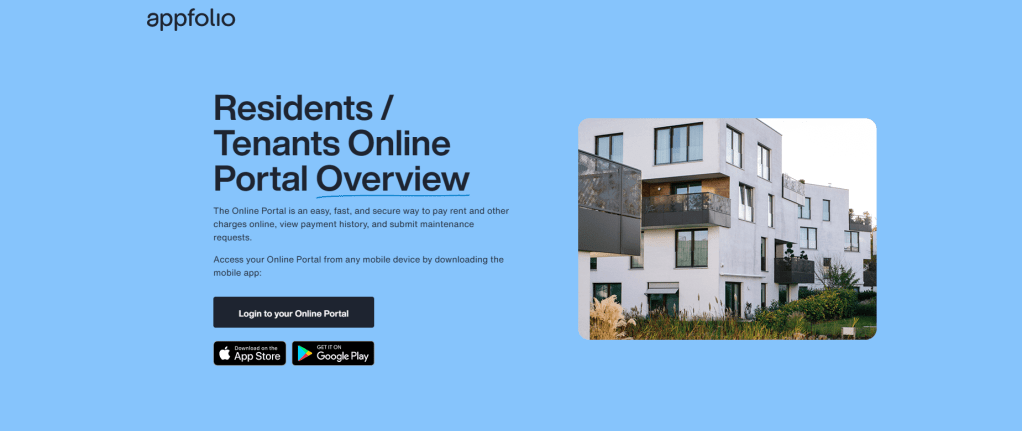
How do I sign up for AppFolio? (Occupant)
To sign up for AppFolio, you will first need to locate the customized email/text invitation that was sent from your landlord. After clicking on the personalized link, you will be prompted to create a password and agree to the terms and conditions for AppFolio. From there, you will be able to add a bank account, select your payment amount, and invite any roommates if applicable. https://www.appfolio.com/login
Need more help, have questions? https://www.appfolio.com/help/online-portal
PAGOS EN LINEA
QUIERES PAGAR EL ALQUILER EN LÍNEA?
Como me registro en AppFolio? (Ocupante)
Para registrarse en AppFolio, primero deberá ubicar la invitación personalizada por correo electrónico/texto que le envió su arrendador. Después de hacer clic en el enlace personalizado, se le pedirá que cree una contraseña y acepte los términos y condiciones de AppFolio. Desde allí, podrá agregar una cuenta bancaria, seleccionar el monto de su pago e invitar a cualquier compañero de cuarto, si corresponde. https://www.appfolio.com/login
Necesitas más ayuda, tienes preguntas? https://www.appfolio.com/help/online-portal-es


How do I sign up for ZRent? (Occupant)
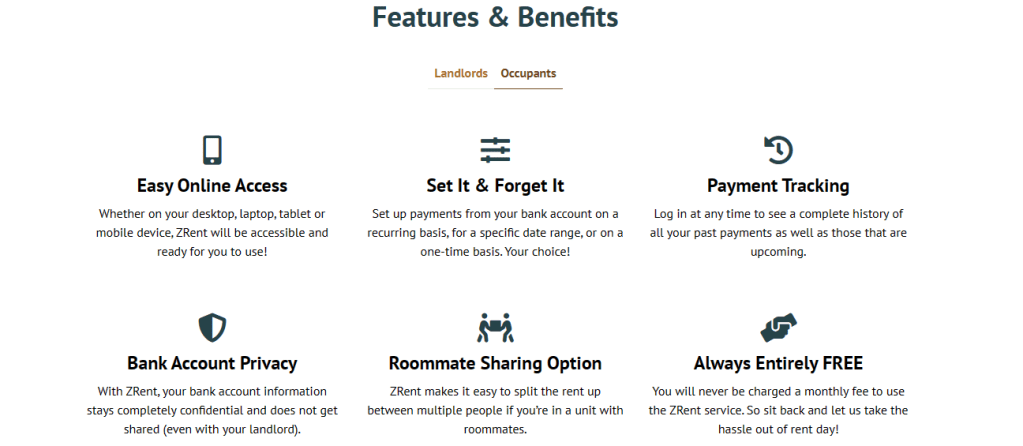
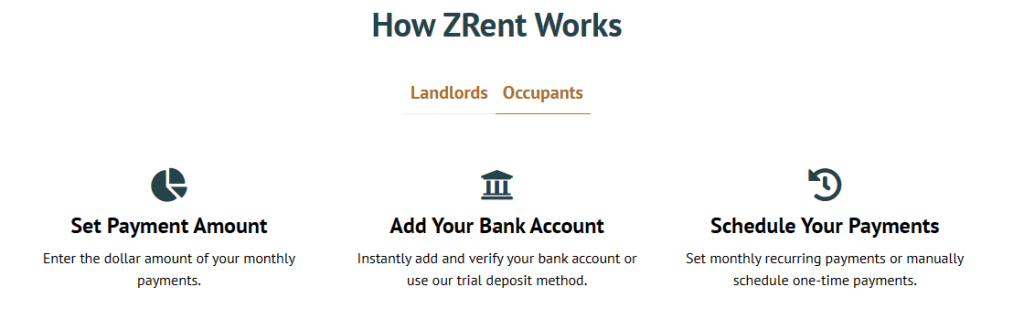
To sign up for ZRent, you will first need to locate the customized email invitation that was sent from your landlord. After clicking on the personalized link, you will be prompted to create a password and agree to the terms and conditions for ZRent. From there, you will be able to add a bank account, select your payment amount, and invite any roommates if applicable. https://www.zrent.net/#
Need more help, have more questions? https://zrent.zendesk.com/hc/en-us/sections/360012897872-Occupants
Como me registro en ZRent? (Ocupante)
Para registrarse en ZRent, primero deberá ubicar la invitación por correo electrónico personalizada que le envió su arrendador. Después de hacer clic en el enlace personalizado, se le pedirá que cree una contraseña y acepte los términos y condiciones de ZRent. Desde allí, podrá agregar una cuenta bancaria, seleccionar el monto de su pago e invitar a cualquier compañero de cuarto, si corresponde. https://www.zrent.net/#
Necesitas más ayuda, tienes preguntas? https://zrent.zendesk.com/hc/en-us/sections/360012897872-Occupants
 Southwest Home Rentals, Inc.